
Free tool · Windows
LuckyVault
A free script vault for your PC. Store every script you've downloaded, for XIM Matrix and Cronus Zen, so you never lose your favourite old config again.
v1.1.3 · 1.4 MB zip · Windows 10/11 (64-bit)
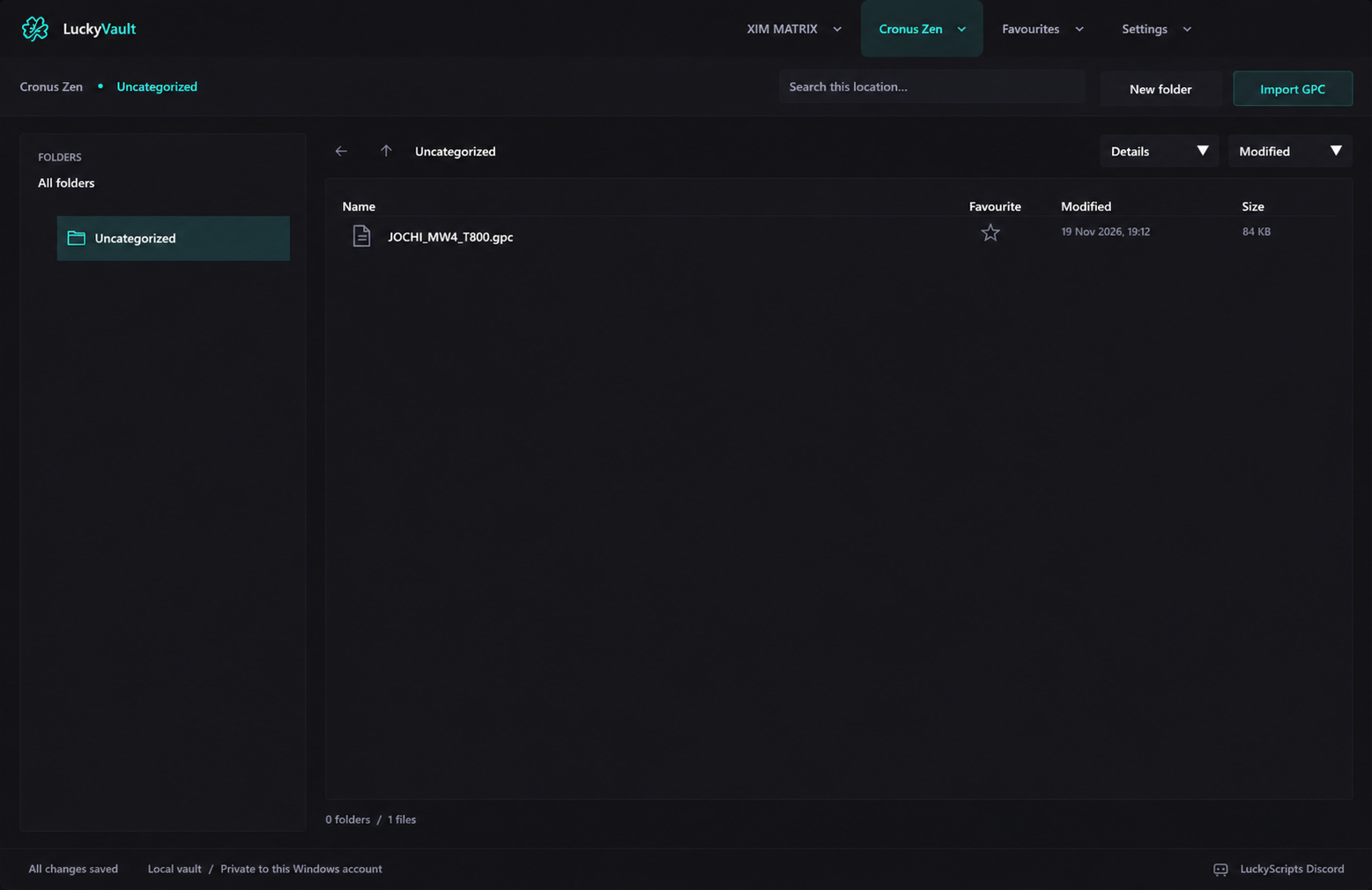
Every script in one place
Keep all your downloaded configs and scripts in your own folders instead of digging through Downloads.
XIM Matrix & Cronus Zen
Separate libraries for Matrix configs and Zen GPC scripts. Import a file and it’s filed straight away.
Favourites & search
Star the ones you use most and search any folder to find an old script in seconds.
Private & local
Your vault lives on your PC, encrypted to your Windows account. Nothing is uploaded anywhere.
How to run
- Extract the whole ZIP.
- Open the LuckyVault folder and double-click LuckyVault.exe.
- No installer or admin rights are needed. It runs on its own.
Windows may show a SmartScreen warning because the app is new and unsigned. Click "More info" → "Run anyway".
Requirements & data
- 64-bit Windows 10 (1703+) or Windows 11. Not available for Mac or phones.
- Your vault is stored at %LOCALAPPDATA%\LuckyScripts\ScriptVault.
- Moving or updating the EXE never deletes your vault.
- Moving to a new PC? Use Settings → Backups & data → Create portable backup.